How Design Agencies Create Realistic Prototypes Under Deadlines
Create realistic prototypes on tight deadlines. Learn how ProtoPie AI help design agencies build complex, realistic interactions in hours, not days.


The Challenge of Delivering High-Fidelity Prototypes Under Tight Deadlines
Design agencies and consulting firms face many challenges. One challenge we've already covered is winning stakeholder approval.
The solution? Let decision-makers experience what the final product will feel like through an immersive and realistic prototype using a high-fidelity prototyping tool like ProtoPie.
But there's another hurdle: designers often have just days to deliver a functioning prototype with complex interactions, and stakeholders expect it to be high-fidelity.
Design Agencies Spend Time Figuring Out 'How' Instead of Perfecting Creative Details
The tension between having to deliver high-fidelity, complex interactions and the reality of tight agency deadlines is real.
When a designer has to struggle to discover how to get all of this done, finding time for creative details is not doable.
For example, when using Figma, creating realistic prototypes under a tight deadline can feel impossible. With ProtoPie, delivering full realism on schedule is entirely possible, and much easier thanks to conditional logic, and an AI feature to help you get started.
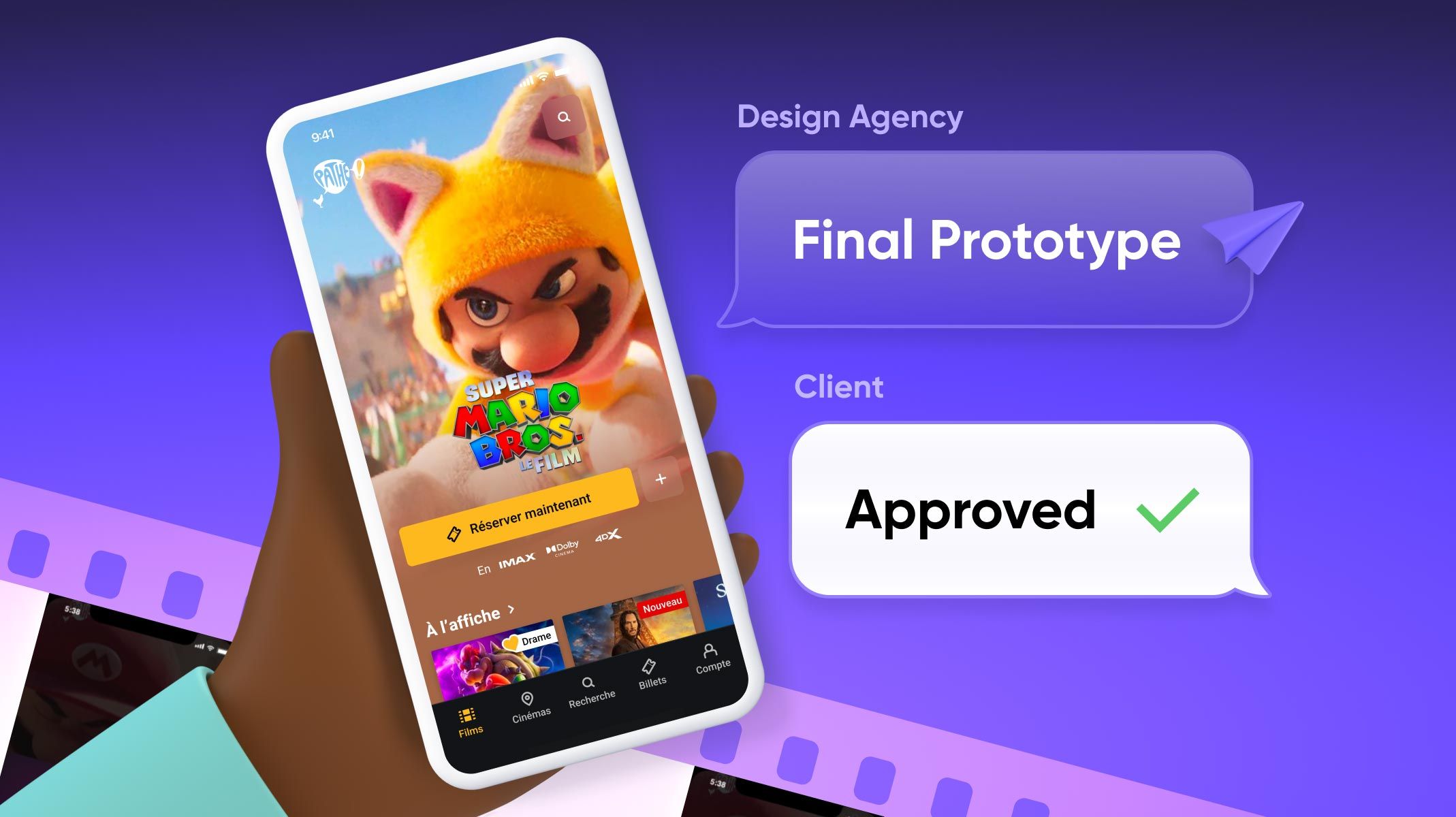
The prototype below (also known as a Pie 🥧 in ProtoPie) has everything you'd consider a complex interaction, and it's fully functional and ready to present to stakeholders and clients.
The best part?
A prototype like this one can be done quickly. Let's dive into how design agencies and consulting firms create realistic prototypes quickly using ProtoPie.
How ProtoPie Helps You Save Time and Remove the Heavy Lifting Out Of The Way
Traditional prototyping tools like Figma force you into a "developer mindset"—you have to think about variables, conditional "if-else" logic, and syntax before a single pixel moves.
Meanwhile, vibe coding or general AI prototyping tools give you almost no control over the output. (See why control matters just as much as speed in our AI prototyping tools comparison)
ProtoPie combines simple, visual logic with AI, giving you full control over the outcome. ProtoPie's logic is linear and visual, mapped exactly to human intent:
- Trigger: The "When"
- Object: The "What"
- Response: The "Result"
Using AI Prototyping to Build Complex Interactions on Tight Deadlines
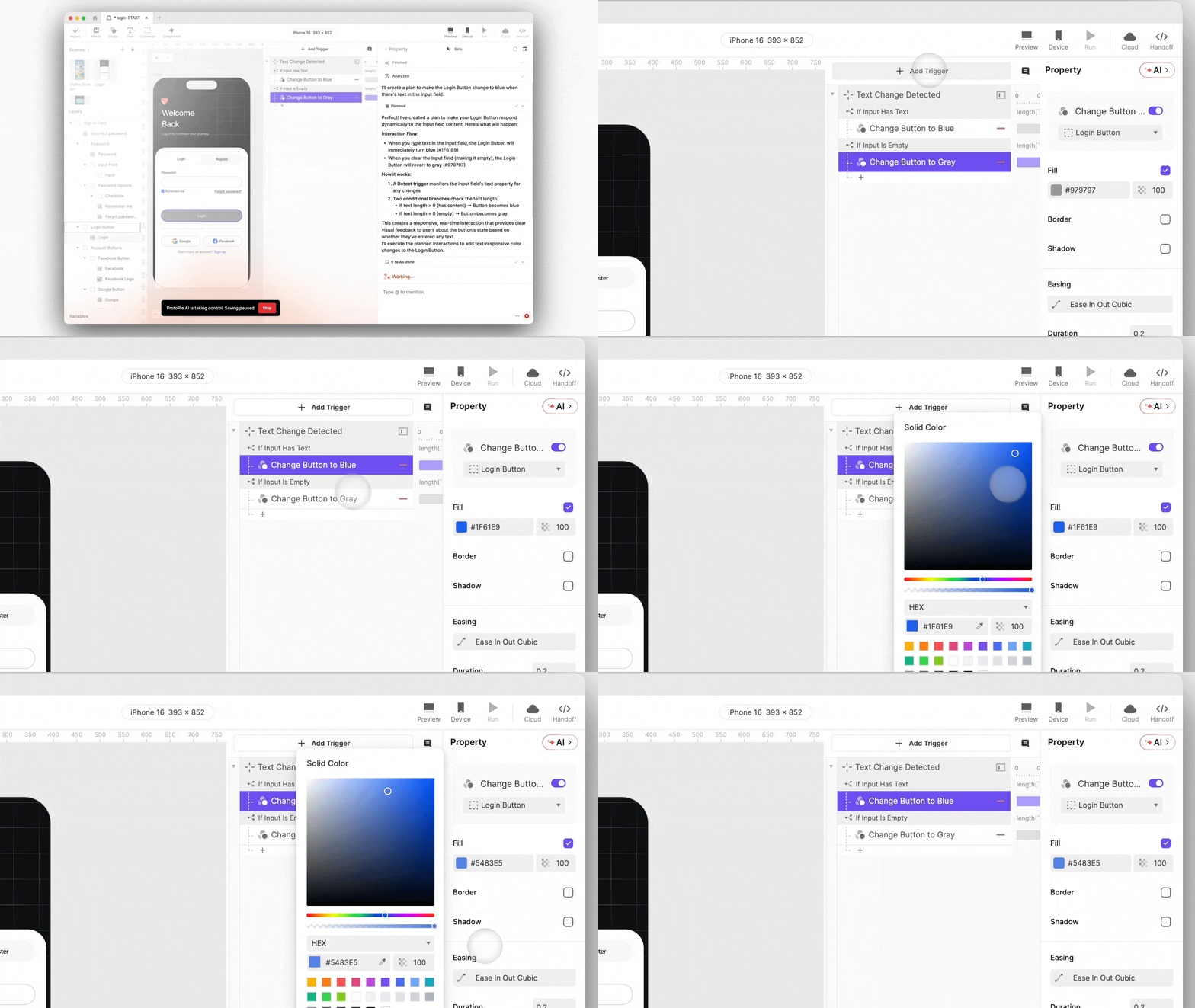
ProtoPie AI handles the heavy lifting, but we are not talking about "vibe coding." You can describe in plain language what you need to get started quickly, and AI generates the complete structure in minutes.
With the heavy lifting of interaction logic handled, designers can focus on micro-animations and user experience refinements. With ProtoPie AI, designers complete three days of work in just three hours.
Get an Effortless Start With Full Control Using ProtoPie AI
ProtoPie AI generates fully transparent, visually editable interaction logic that you can see exactly what triggers activate which responses, modify timing curves directly in a timeline view, adjust conditional logic through visual flow editing, no code, no abstracted menus, no hidden connections.
How to Stay on Schedule Even When Clients Change Their Minds
Imagine you've finished a prototype, but your client says, "I like the movement, but it's too slow." Sounds like a nightmare, right? With ProtoPie, it's not an issue at all.
ProtoPie's "Lego-brick" approach to interaction design makes rework incredibly easy because you stay in one scene. The logic is additive: you simply stack responses.
Plus with ProtoPie AI, rework isn't a hassle. ProtoPie AI preserves what you've already built, you can tweak each interaction as needed without starting from scratch.
Start Fast and Maintain Realism All the Way Through
With ProtoPie, speed doesn't mean sacrificing realism.
Your prototype maintains full fidelity from the first interaction to the final presentation, so stakeholders experience exactly what the end product will feel like, even on tight timelines.
When it's time to present, clients and decision-makers interact with a fully functional prototype that mirrors the final product across real-world scenarios and devices.
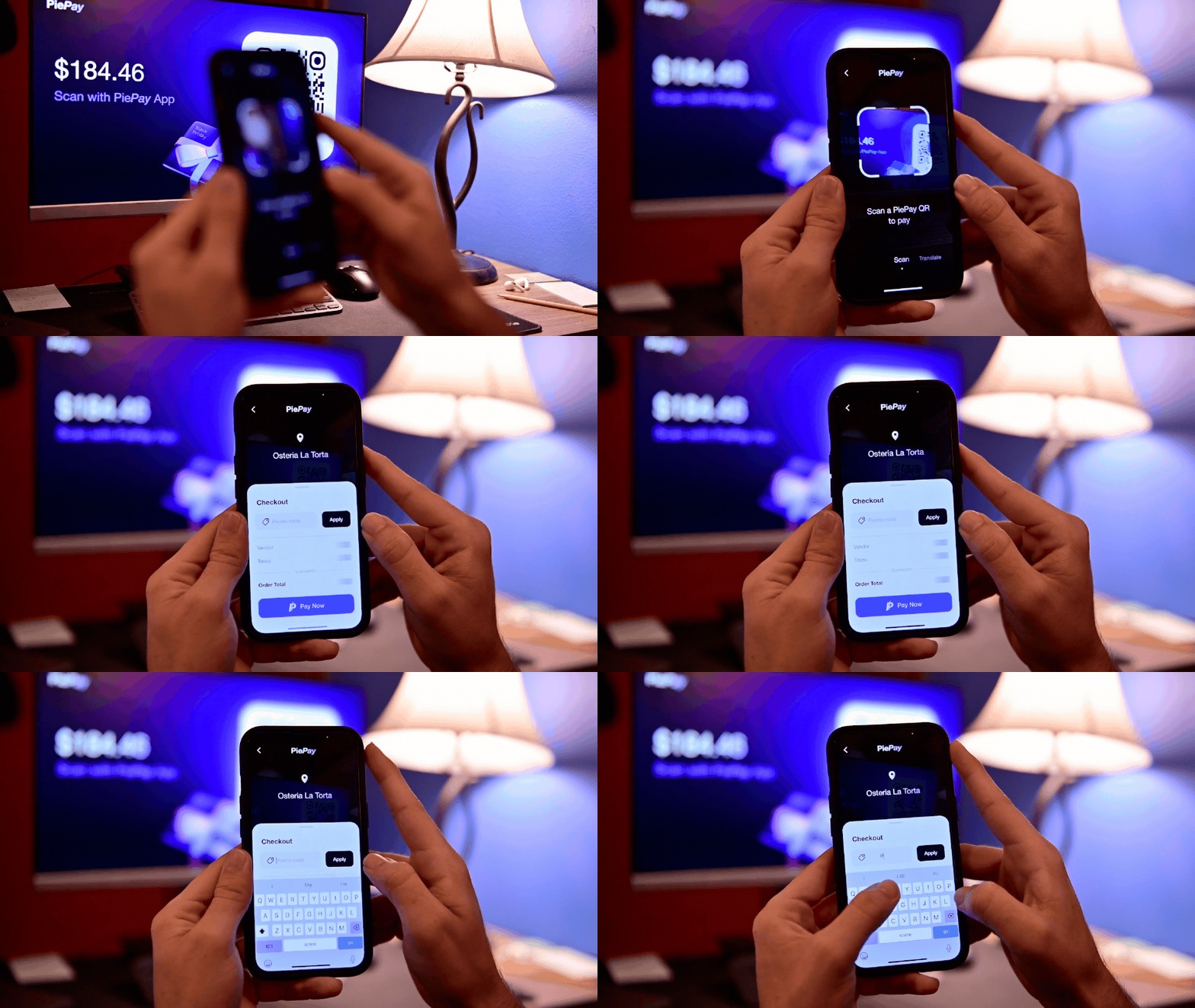
ProtoPie supports native sensors, multi-screen interactions, QR code scanning, text input, and more, giving you the full capability to test all possible scenarios and actions your users can experience.
Imagine you walk into a meeting and hand your client a phone with a prototype that actually works. They tap, swipe, scan, and it responds perfectly. No "imagine this will work later" hand-waving, neither static frames. Just a real experience they can approve on the spot, and again, all within the deadline given.
Get Complex Interactions Done Quickly, While Preserving the Level of Realism
ProtoPie’s Ecosystem helps design agencies and consulting firms meet tight deadlines while still allowing time for creative refinement, delivering realistic prototypes that earn client and stakeholder approval.
Studio + AI lets you build it, Cloud lets you test it, Connect lets you integrate hardware, and Player lets you experience your prototype exactly as the final product will look and feel.

The Complete ProtoPie Ecosystem—All on the Pro Plan
With a Pro Plan (only $59/month), you can leverage ProtoPie’s whole ecosystem and go from vision to testing your prototype.

Start now with a ready-to-use prototype!
Click the first button to download ProtoPie Studio.
Then click on the second button, open it, click the prototype file name, and select ‘Open in Studio’ to open the project on your desktop and explore the interactions.

.jpg?fm=webp)
